
Using a Netbook with Modern Linux for Two Weeks (Part II)
It technically worked... mostly...

One of my goals for this Netbook November was to take some time to try to really use one of my old netbooks for my regular desktop computing tasks. That meant needing a modern operating system with an up-to-date web browser and the like. Of course, I never expected a smooth experience with it; though to be fair, it was never a smooth experience even in the late 2000s. However, my thought was that giving my “beefiest” netbook a little hardware refresh and an ultra-lightweight Linux distro should make it mostly doable.
The Experience
For the challenge I opted for my highest spec device: the HP Mini 1103 from late-2010/early-2011. For those who haven’t seen the article on my netbook collection, this device is packing a 1.66 GHz Intel Atom N455 CPU and a whopping 2 GB of DDR2 RAM, along with a respectable selection of ports. When we left off two weeks ago, I had gotten my HP Mini 1103 set up and ready to use by upgrading the 1 TB 5400 RPM hard drive with a much smaller (but much faster) SSD and installing the super-lightweight Antix Linux. While normally I prefer something like XFCE or MATE for lower-spec machines, Antix ships with the impressively light IceWM by default.
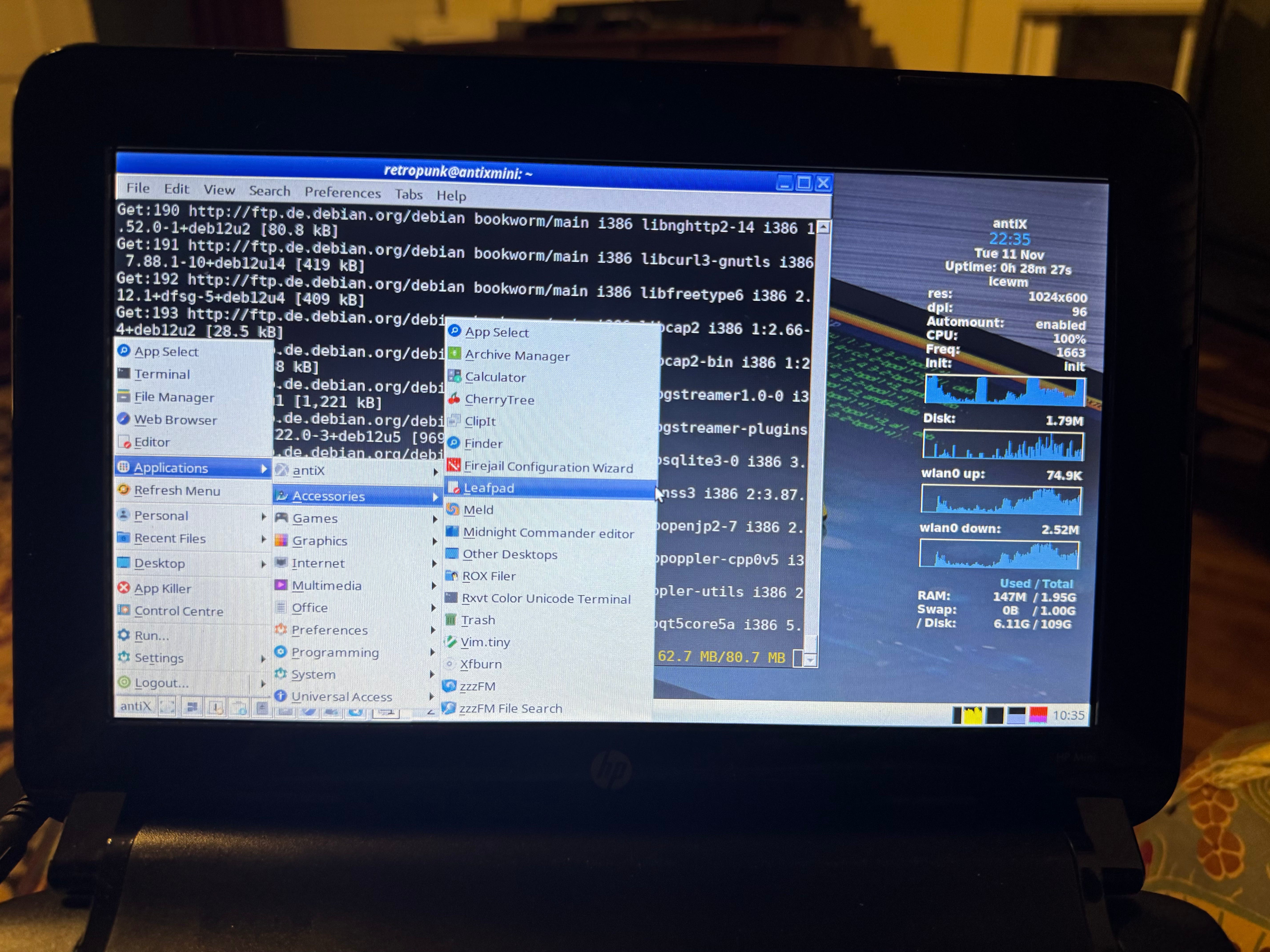
Overall, I like Antix. In my experience, it’s not necessarily as intuitive as something like Linux Mint, Fedora, Ubuntu, or other more typical desktop distros. For example, the process for connecting to the wifi is a manual one out of the box, as is enabling Bluetooth. Of course, you can automate these once the initial setup is done, but I thought it was worth mentioning. There is a little bit of a learning curve if you’re coming from other more mainstream operating systems, but it’s not too bad. After adjusting the default theme to my liking and getting the system configured all the way, I proceeded to install a variety of software and tried to get some work done.
Browsers
The default web browser on Antix is Firefox ESR. It worked perfectly fine, but it was quite heavy on the system’s resources and was extremely slow with just about everything. The terminal-based Links browser is also installed. While Links is a solid choice for text browsing, I wanted to find another modern GUI browser that might be a bit more manageable for this machine, so I installed Epiphany (aka Gnome Web) but it didn’t fair much better.
I also thought about the Midori browser, but it wasn’t in the repos. I’d been fond of Midori back in my full-time Linux days and for a while there it was the default web browser on elementaryOS. However, the project apparently went dormant years ago and was eventually picked up by another team that ditched the WebKit engine and rewrote the entire thing as a fork of Firefox. Honestly, it looks like a cool project but it’s not a good fit for what I’m doing here. It was at this point that I started to come to terms with the reality that using any modern web browser was going to be a slog and decided to just stick with Firefox.
Writing
Of course, I installed several different writing applications. LibreOffice ships out of the box, but I’ve found Abiword works a bit better on leaner systems. It wasn’t great, per se, but it was definitely less laggy than LibreOffice was.
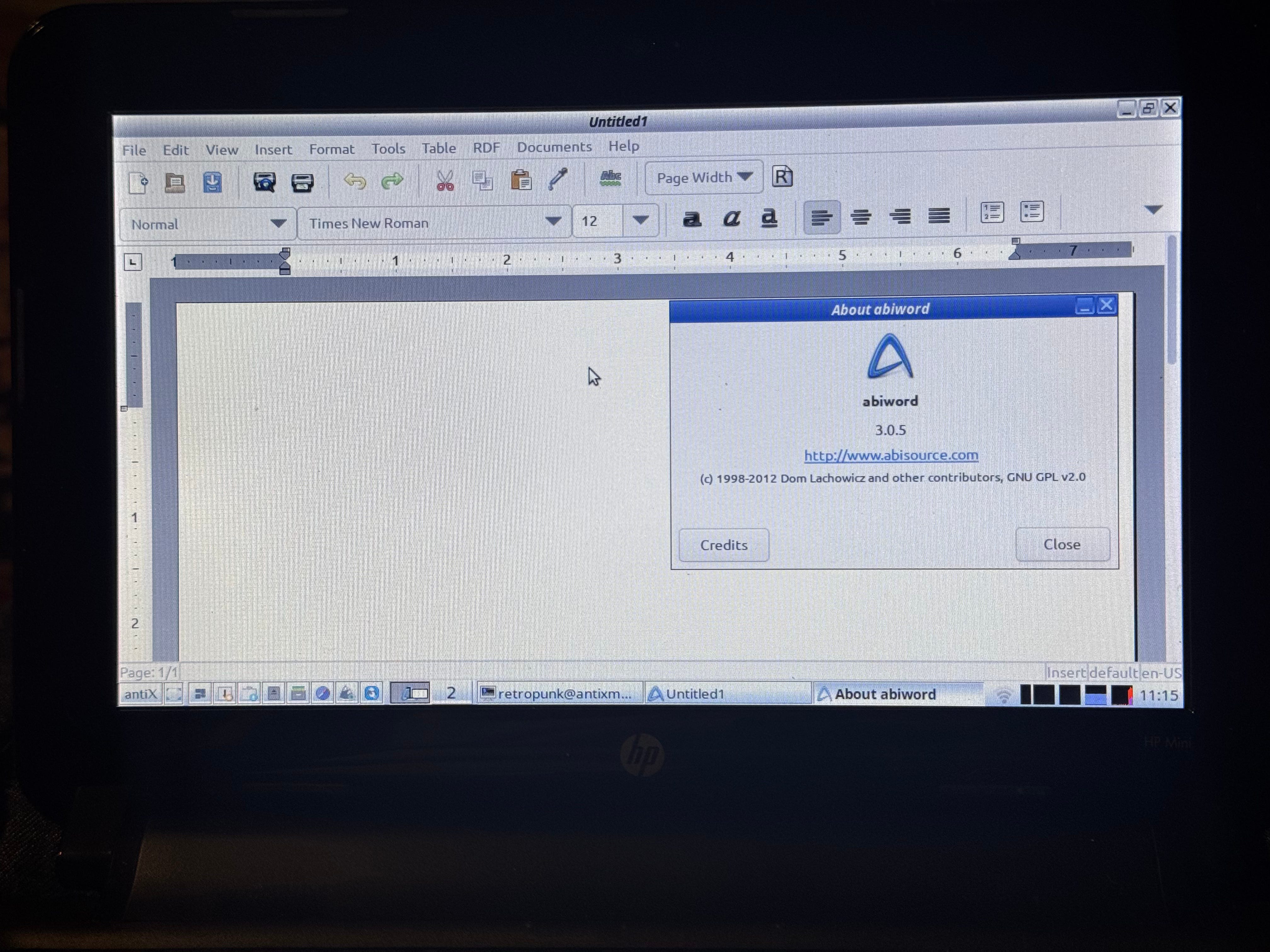
The default text editor Leafpad naturally ran better than both, but I would say that doesn’t necessarily count in the same way. Alternatively, I was able to use some CLI tools like Tilde and wordgrinder with zero issues or lag.
Recording
Yeah, no. I didn’t even bother trying to record anything. With LibreOffice straining this thing, I didn’t even want to hassle with Audacity let alone Ardour, OBS, or any other recording/editing software.
Gaming
Hear me out… gaming is technically possible on this thing. Of course, that is if you temper your expectations. Steam? Forget about it. High quality 3D fair, not a chance. However, there are tons of good FOSS games out there. Of the games I tried:
